
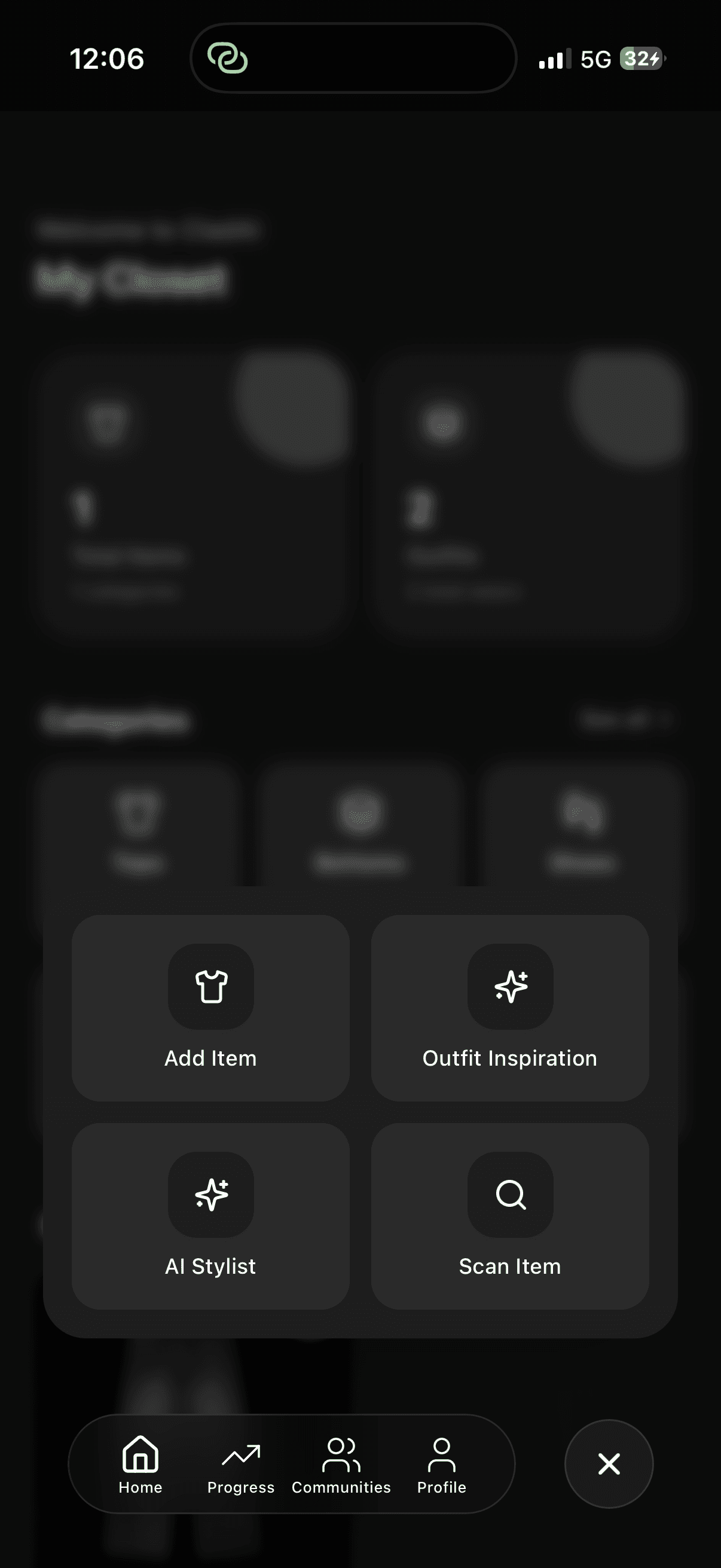
Tap the ‘+’ button on the right and watch it transform into an ‘x’ as the menu appears. Then select ‘Add Item’ to start building your digital closet.
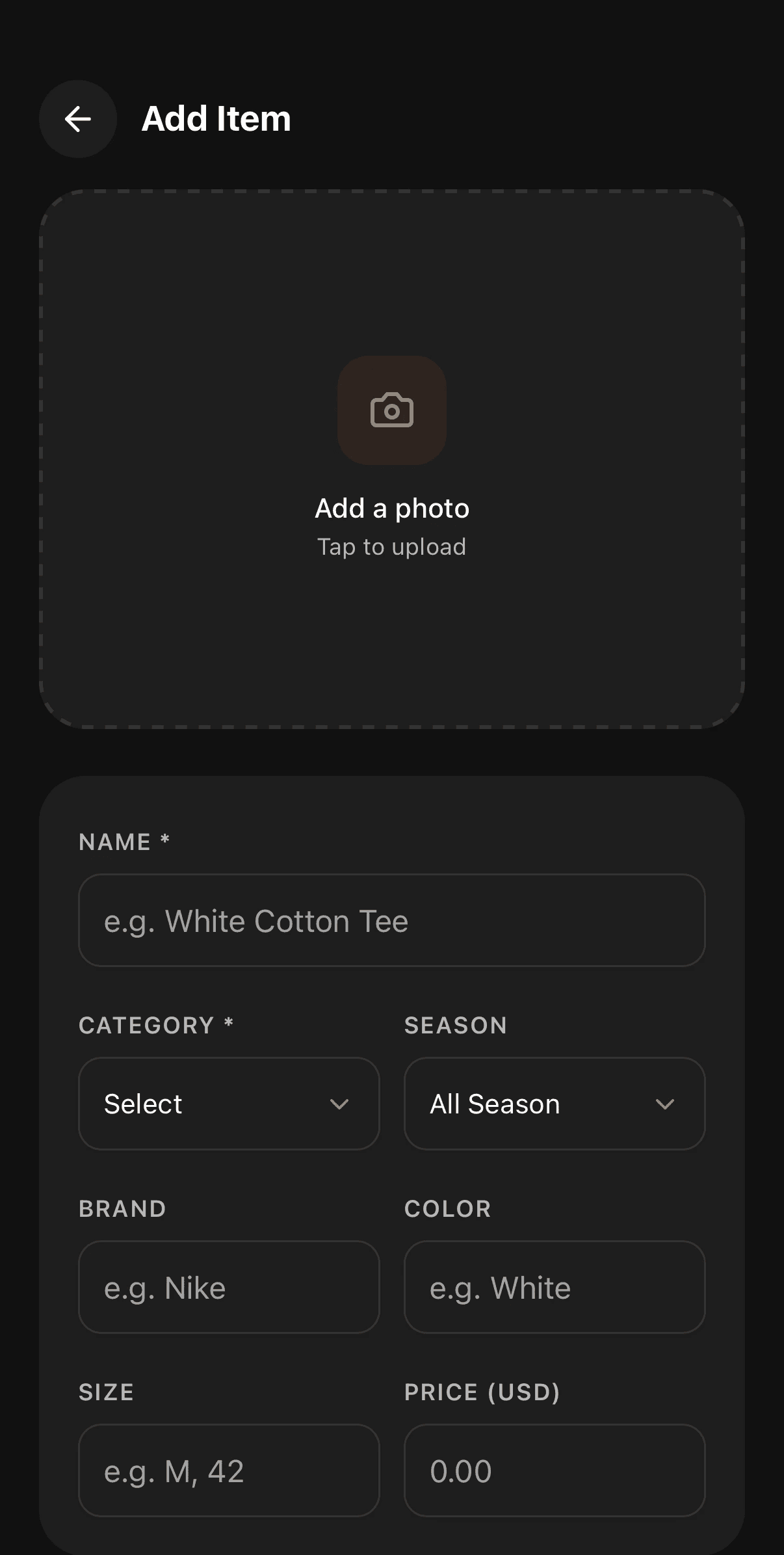
Click the upload button and choose a photo of your clothing item.
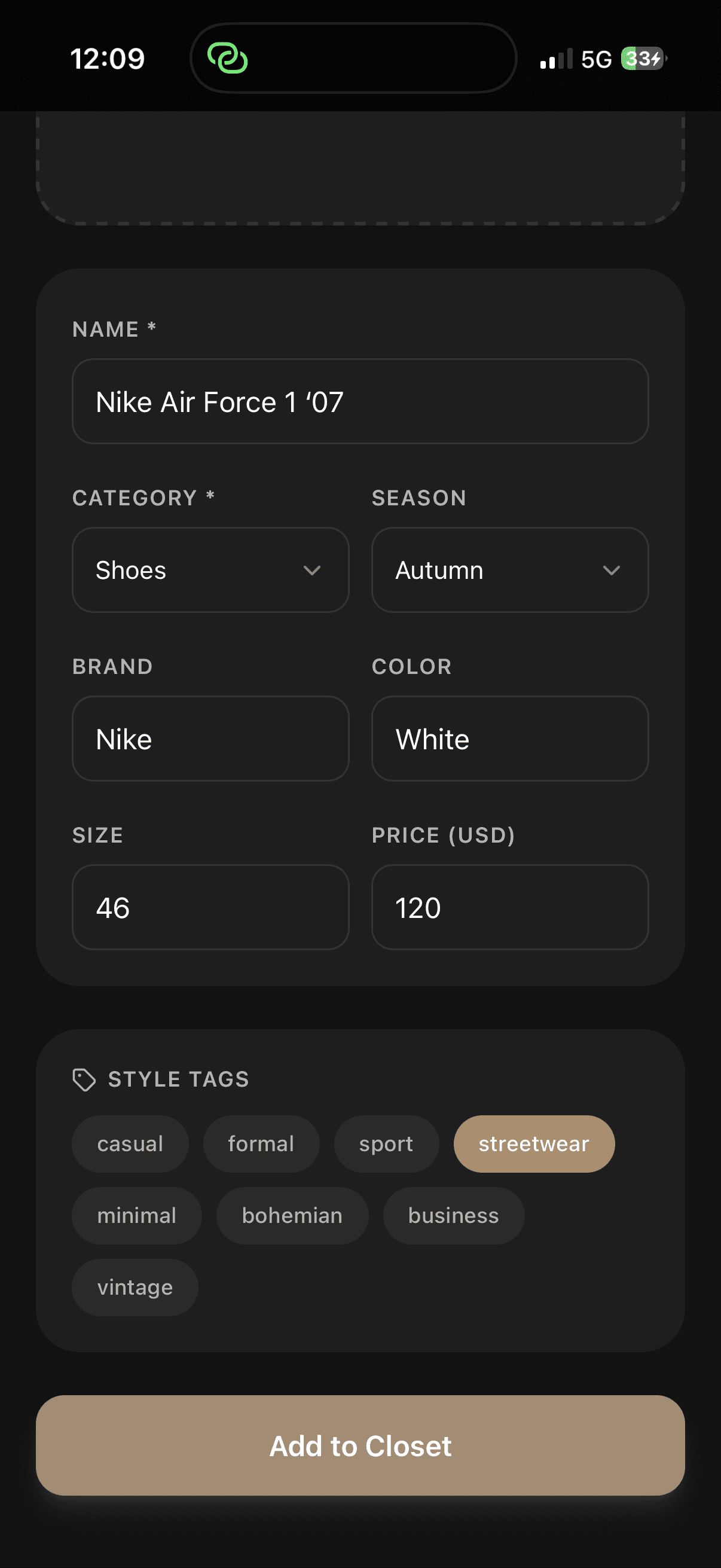
Tap the ‘+’ button on the right and watch it transform into an ‘x’ as the menu appears. Then select ‘Add Item’ to start building your digital closet.
Click the upload button and choose a photo of your clothing item.
